
GAC and AION TPMS Relearn Procedure
When replacing TPMS sensors on GAC and AION vehicles, a properly formatted scan tool is required to learn and register the new sensor IDs. Follow the guide below to complete setup and troubleshoot common issues.
Programming Required
A properly formatted scan tool is required to learn new TPMS sensor IDs when replacing sensors on these vehicles.
Recommended Tool
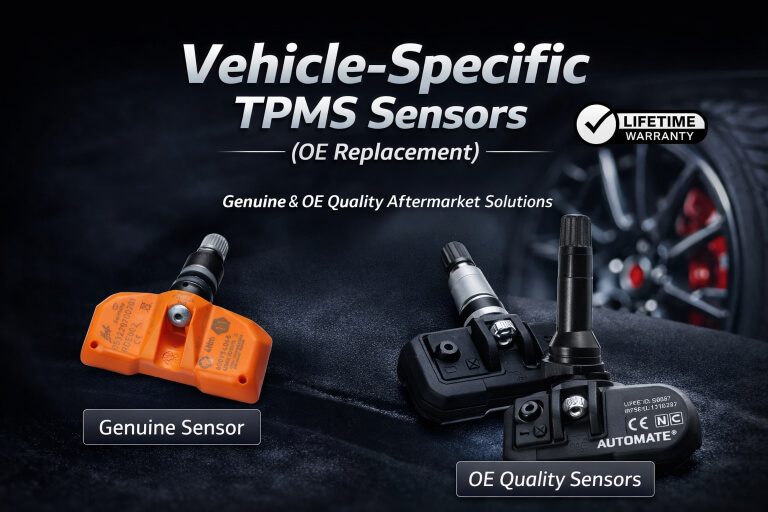
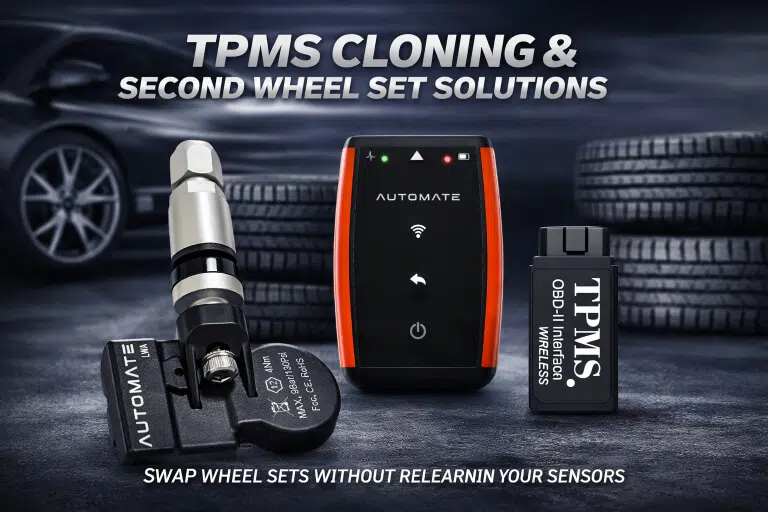
We highly recommend the AUTOMATE Bluetooth Programmer to help ensure successful activation and setup of your TPMS sensors.
Common Issues
Communication faults and temporary TPMS warning lights can sometimes occur during service, but these can usually be resolved with the correct checks and relearn steps.
TPMS Sensor ID Registration
Use the following guidance when replacing TPMS sensors on GAC and AION vehicles.
- Install the correct TPMS sensors into the vehicle.
- Connect a properly formatted scan tool to the vehicle.
- Use the scan tool to learn and write the new TPMS sensor IDs.
- Confirm successful communication between the tool and the vehicle ECU.
- Activate the sensors if required using a compatible TPMS activation device.
- Verify that the TPMS warning light clears after registration or during normal driving.
Common TPMS Issues After Service
Check these common faults if the TPMS system does not communicate correctly or the warning light remains on.
Check the OBDII Fuse
The vehicle may arrive with the OBDII fuse blown. If your scan tool shows a communication error while writing TPMS sensor IDs, verify that this fuse has not failed.
Sensor Sleep Mode After Service
During some types of servicing, the TPMS sensors may temporarily shut off, which can trigger the MIL / TPMS warning light when the vehicle is started.
Warning Light May Clear While Driving
In many cases, the warning light will turn off again during normal driving conditions once the sensors wake up and begin communicating.
Relearn in the Workshop
You can also perform an ID relearn using a properly formatted scan tool to switch the warning light off before the vehicle leaves the workshop.
Get Help with GAC or AION TPMS Programming
If you need help choosing compatible sensors, writing new sensor IDs, or selecting the right TPMS programming tool, contact MyTPMS for expert support.