LYNK & CO TPMS Reset & Relearn Guide
If your LYNK & CO has a tyre pressure warning light on after replacing a sensor, fitting new wheels, or carrying out tyre service work, the system may need the new sensor IDs learned into the vehicle.
Important Note
A properly formatted scan tool is required to learn new sensor IDs when replacing sensors. In many LYNK & CO vehicles, simply installing new sensors is not enough. The new IDs must be written into the vehicle so the system can recognise them correctly.
Recommended Tool
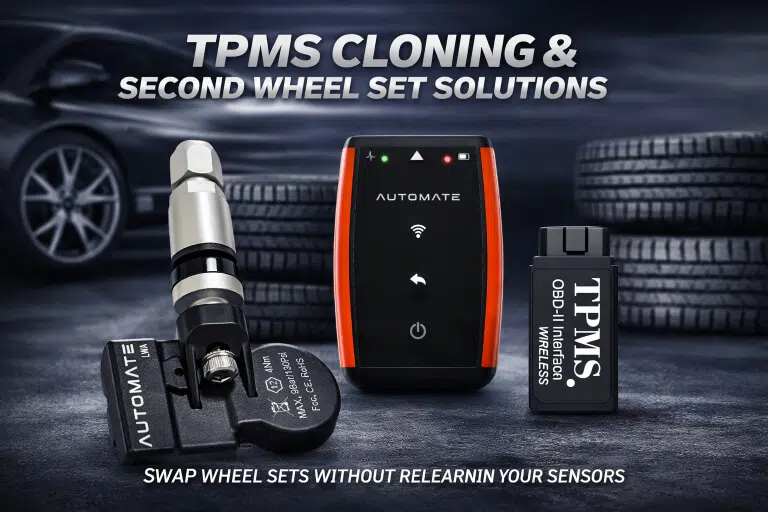
We highly recommend the AUTOMATE Bluetooth Programmer to help ensure successful activation of your device/s.
Ideal for TPMS activation support and smoother setup when replacing sensors.
View Product Email Sales SupportHow the LYNK & CO TPMS Relearn Process Works
Install the Sensors
Fit the replacement TPMS sensors correctly and inflate all tyres to the recommended pressure.
Activate Each Sensor
Use a properly formatted TPMS scan tool to trigger and confirm each sensor ID.
Write IDs to the Vehicle
Learn the new sensor IDs into the LYNK & CO system so the ECU can recognise them properly.
LYNK & CO TPMS Reset Procedure
- ✓Inflate all tyres to the pressure listed on the tyre placard.
- ✓Install the new TPMS sensors if the originals have been replaced.
- ✓Use a suitable TPMS scan tool to activate each sensor.
- ✓Write or relearn the new sensor IDs into the vehicle.
- ✓Start the vehicle and check whether the warning light clears.
- ✓If required, drive the vehicle normally to complete the relearn process.
TIA Troubleshooting Tip
- ✓The vehicle may enter your service facility with the OBDII fuse blown.
- ✓If your scan tool issues a communication error while writing sensor IDs, verify that this fuse is not blown.
- ✓During some types of service, the TPMS sensors may shut off and trigger a MIL when the vehicle is started again.
- ✓The MIL may turn off during normal driving conditions, or you can perform an ID relearn using a properly formatted scan tool in the workshop.
Correct TPMS programming is just as important as fitting the sensor itself. Without the correct relearn process, many vehicles can still show a warning light even with brand new sensors installed.
LYNK & CO TPMS FAQ
Can LYNK & CO sensors relearn automatically by driving?
In many cases, no. A properly formatted scan tool is required to learn new sensor IDs after replacement.
Why is the light still on after changing the sensors?
The new sensors may not have been written into the vehicle yet, or the system may still require an ID relearn.
What if my scan tool shows a communication error?
Check the OBDII fuse first. A blown fuse can stop communication while writing new TPMS sensor IDs.
Which tool do you recommend?
We recommend the AUTOMATE Bluetooth Programmer for activation support and a smoother TPMS setup process.