LEXUS TPMS SENSORS, INITIALISATION & PROGRAMMING GUIDE
Replacing Lexus TPMS sensors is not always as simple as fitting the hardware and driving away. In many cases, a Lexus can be initialised after a tyre pressure adjustment, tyre rotation, or tyre replacement. But when new TPMS sensors are installed, the new sensor IDs usually need to be programmed into the ECU.
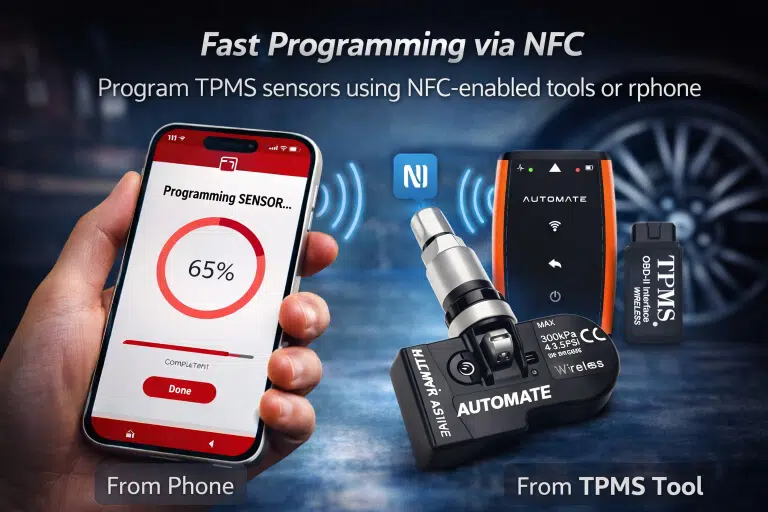
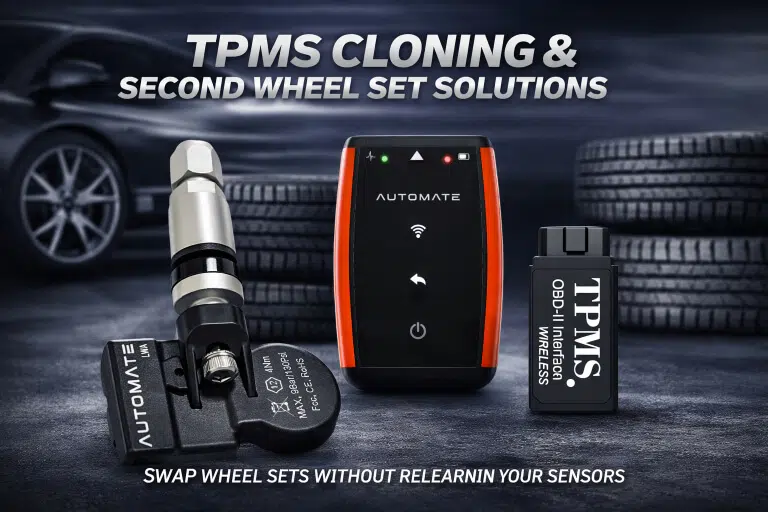
We strongly recommend the AUTOMATE Bluetooth Programmer to help ensure successful activation and a smoother Lexus TPMS installation.
Select Your Vehicle to Find Compatible Tyre Pressure Sensors
Use the selector below to help customers choose the correct Lexus TPMS sensors and the right setup method.
Reset vs New Sensor Programming
Not all Lexus models have a TPMS reset button. If there is no reset button, a relearn is generally not required after an air pressure adjustment, tyre rotation, or tyre replacement. But new sensor installation is different — new sensor IDs often need to be programmed into the ECU.
Where the Reset Button Is
If fitted, the Lexus TPMS reset button is commonly found on the driver’s knee bolster, inside the glove box, under the steering wheel, or next to the DLC / OBDII port.
Best Way to Avoid Problems
We highly recommend purchasing the AUTOMATE Bluetooth Programmer so the new sensors can be activated correctly and the installation has a much better chance of succeeding the first time.
Applicable Lexus Models
This page includes your supplied Lexus TPMS applications plus current Lexus Australia model families, including LBX, UX, NX, RZ, RX, GX, LX, ES, LS, LC, LC Convertible, and LM. :contentReference[oaicite:1]{index=1}
After Rotation or Tyre Replacement
Use this process after tyre rotation or tyre replacement where the existing registered sensors remain in use.
Important: Not all models come equipped with a TPMS reset button. If no button is found, then a relearn is generally not required following an air pressure adjustment, tyre rotation, or tyre replacement.
The purpose of the reset button is to set a new baseline for the air pressure and re-establish communication between the sensors and the vehicle.
- Inflate all tyres to the pressure listed on the tyre placard.
- Turn ignition to the ON / RUN position with the engine off.
- Hold down the tyre pressure reset button until the TPMS warning light flashes 3 times.
- Initialisation will be completed when the ECU has received signals from all sensors. This may take approximately 2–3 minutes.
- If initialisation is not complete, drive the vehicle for approximately 20 minutes.
Why You Need a Proper Tool
When replacing Lexus TPMS sensors with brand-new sensors, a properly formatted scan tool is required to learn the new sensor IDs. After the IDs have been registered via the OBD, ignition must remain on and all sensors should be activated using a TPMS activation tool.
- New TPMS sensor IDs often need to be written to the Lexus ECU
- Simply fitting the sensors is usually not enough
- Activation after OBD registration is still required
- The wrong tool or incomplete setup can leave the warning light on
- The safest way to avoid repeat work is to use the right TPMS tool from the start
Best Result? Buy the Tool with the Sensors.
We highly recommend purchasing the AUTOMATE Bluetooth Programmer to ensure a successful activation of your device(s) and give your Lexus TPMS installation the best chance of working properly first time.
Shop Lexus TPMS ToolLexus SC 430 TPMS Note
A properly formatted scan tool is required to learn new sensor IDs when replacing sensors. After the IDs have been registered via the OBD, leave ignition on and activate all sensors using a TPMS activation tool.
Get Help with Lexus TPMS Sensors & Programming
If you need help choosing the correct Lexus TPMS sensors or the right programming tool, contact MyTPMS for expert support and compatibility advice.