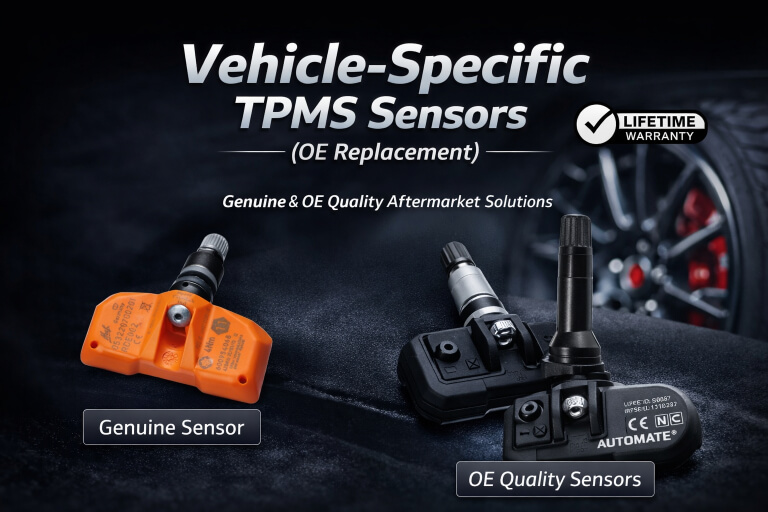
HYUNDAI TPMS SENSORS, PROGRAMMING & RELEARN GUIDE
Replacing Hyundai TPMS sensors is not always just a matter of fitting the parts and driving away. On many Hyundai vehicles, a properly formatted scan tool is required to learn new sensor IDs when replacing sensors.
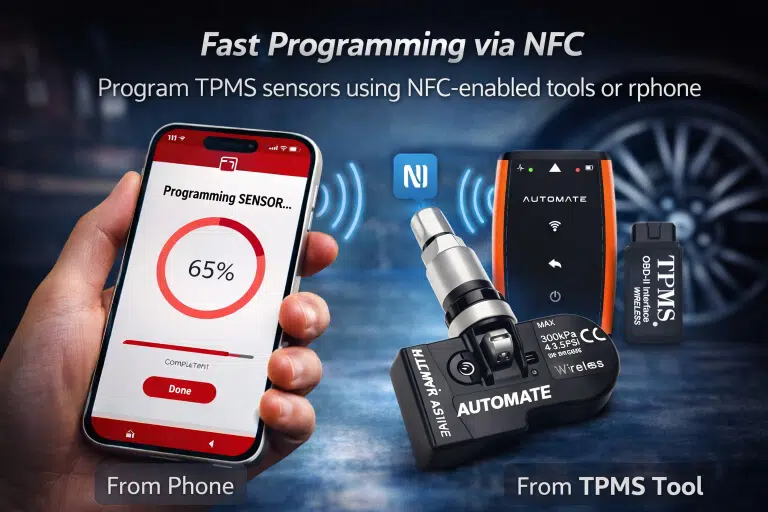
We highly recommend purchasing the AUTOMATE Bluetooth Programmer to help ensure successful activation of your device/s and a smoother Hyundai TPMS installation.
Select Your Hyundai to Find Compatible Tyre Pressure Sensors
Use the selector below to help customers choose the correct Hyundai TPMS sensors and the right programming method.
New Sensors Need Programming
On many Hyundai vehicles, replacing TPMS sensors means the new IDs must be written correctly to the system using a properly formatted scan tool.
Why Installations Fail
Customers often fit new sensors but still see the warning light because the sensor IDs were never learned properly or the setup process was not completed.
Best Way to Avoid Problems
We highly recommend purchasing the AUTOMATE Bluetooth Programmer to improve activation, reduce guesswork, and give your Hyundai TPMS install the best chance of success.
Applicable Hyundai Models
This page includes your supplied Hyundai TPMS applications plus newer/current Hyundai Australia model lines such as Venue, i30 Sedan Hybrid, Kona, Tucson, Santa Fe, Palisade, Staria, and Elexio. :contentReference[oaicite:1]{index=1}
New Hyundai Sensors Often Need ID Registration
A properly formatted scan tool is required to learn new sensor IDs when replacing sensors. That means simply installing the sensors is often not enough.
- New TPMS IDs often need to be written to the vehicle
- Installing the hardware alone may not clear the warning light
- Some cars need an ID relearn to complete the job properly
- Using the wrong tool can waste time and labour
- The right programmer helps turn a difficult install into a finished job
Why We Recommend the AUTOMATE Bluetooth Programmer
We highly recommend purchasing the AUTOMATE Bluetooth Programmer to help ensure successful activation of your device/s and reduce the chance of failed Hyundai TPMS installs.
- Helps support smoother TPMS sensor activation
- Reduces setup confusion when replacing new sensors
- Better for DIY customers and workshops alike
- Can save time by reducing repeat work
- Gives your Hyundai TPMS job a better chance of working first time
Best Result? Buy the Tool with the Sensors.
If you are buying Hyundai TPMS sensors, the safest option is to buy the programming tool at the same time so the new IDs can be handled properly.
Shop Hyundai TPMS ToolCommon Hyundai TPMS Problems After Service
These are common reasons a Hyundai TPMS light stays on or a scan tool fails to communicate.
Check the OBDII Fuse
If your scan tool shows a communication error while writing sensor IDs, verify that the OBDII fuse is not blown.
Sensors May Shut Off After Service
During some types of service, the TPMS sensors may shut off, which can result in a MIL when the vehicle is started.
MIL May Turn Off While Driving
The MIL may switch off during normal driving conditions, or you can perform an ID relearn with a properly formatted scan tool in the workshop.
Use the Right Tool First
Starting with the correct tool reduces wasted time and improves the chance of a successful Hyundai TPMS installation.
Get Help with Hyundai TPMS Sensors & Programming
If you need help choosing the correct Hyundai TPMS sensors or the right programming tool, contact MyTPMS for expert support and compatibility advice.