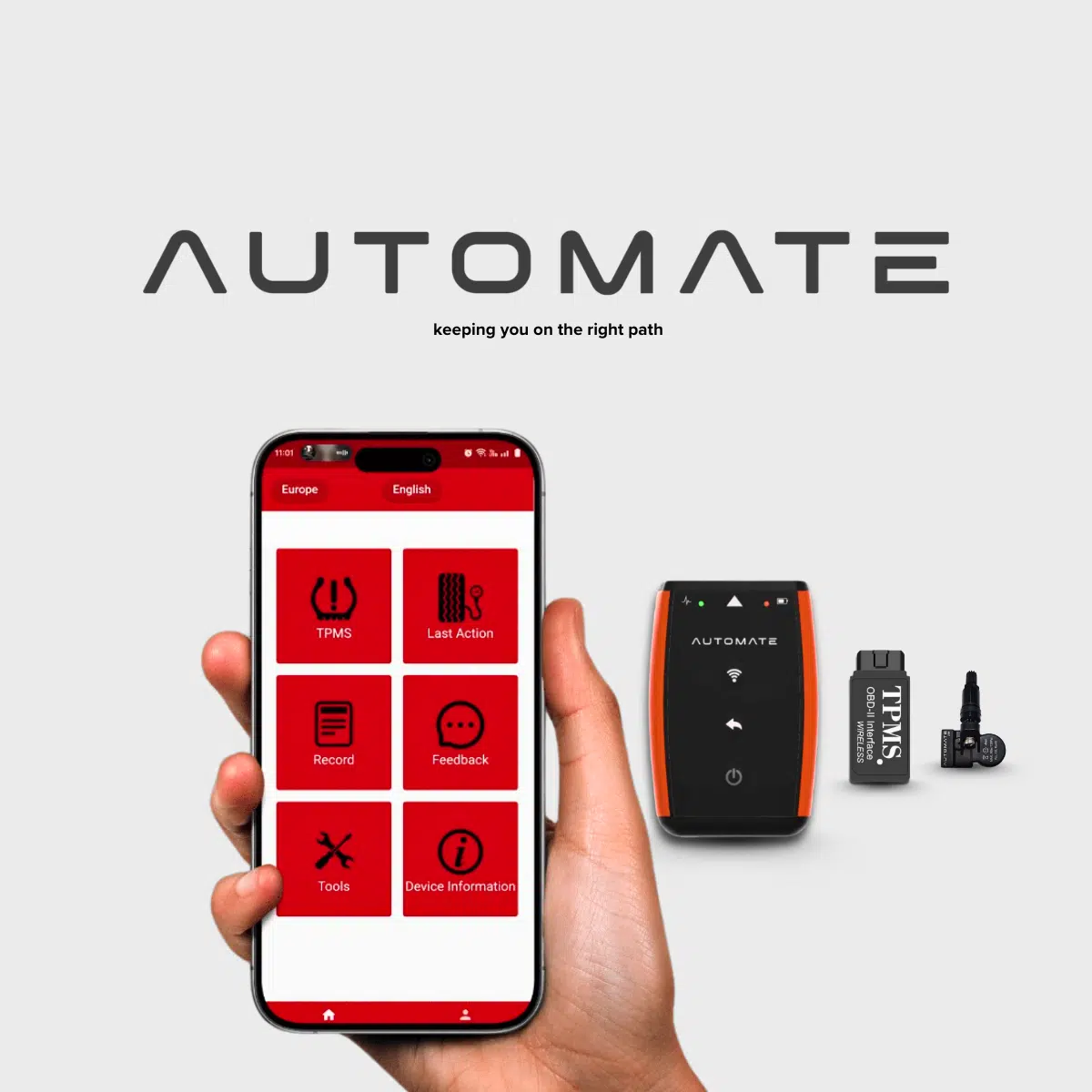
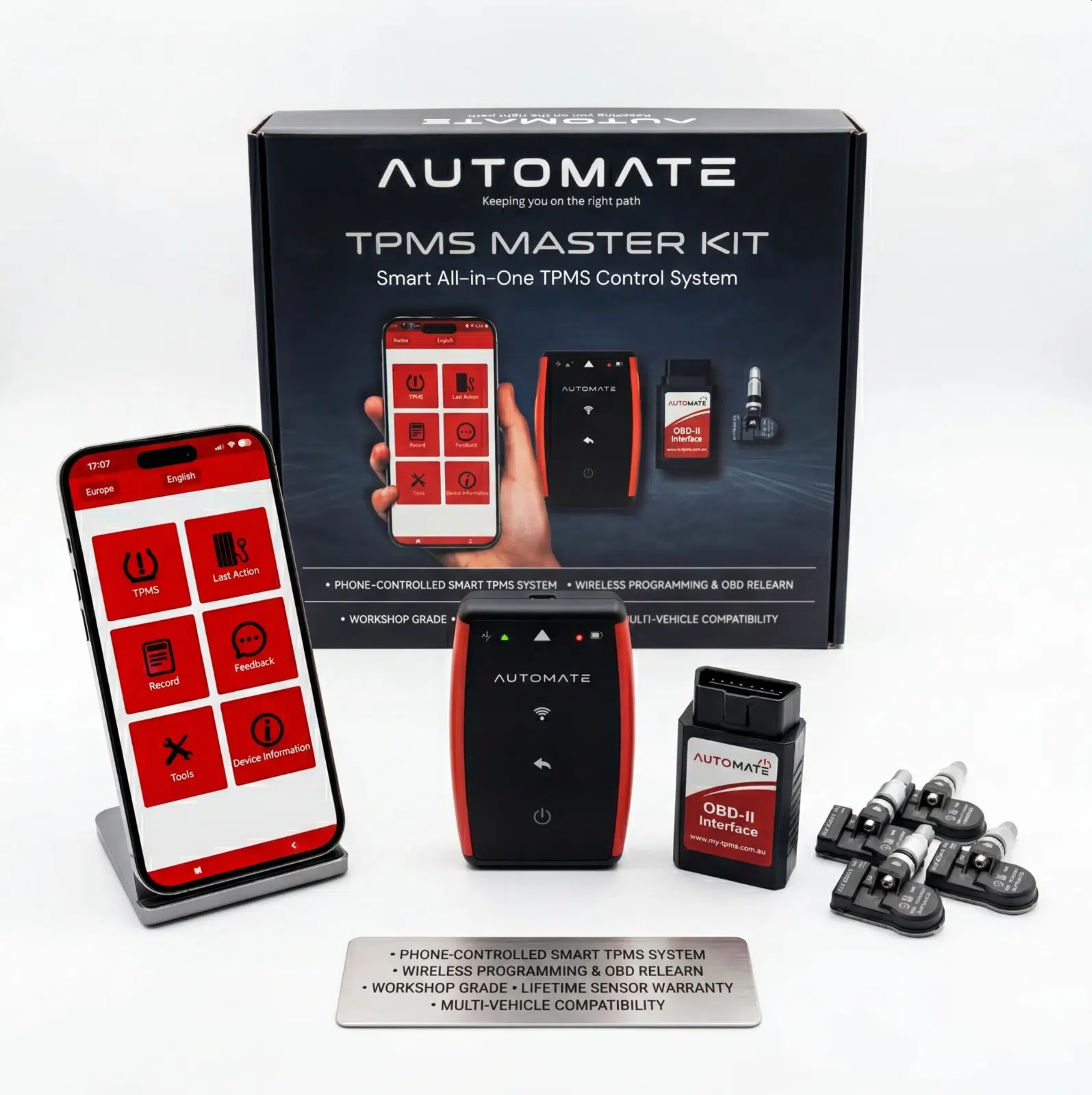
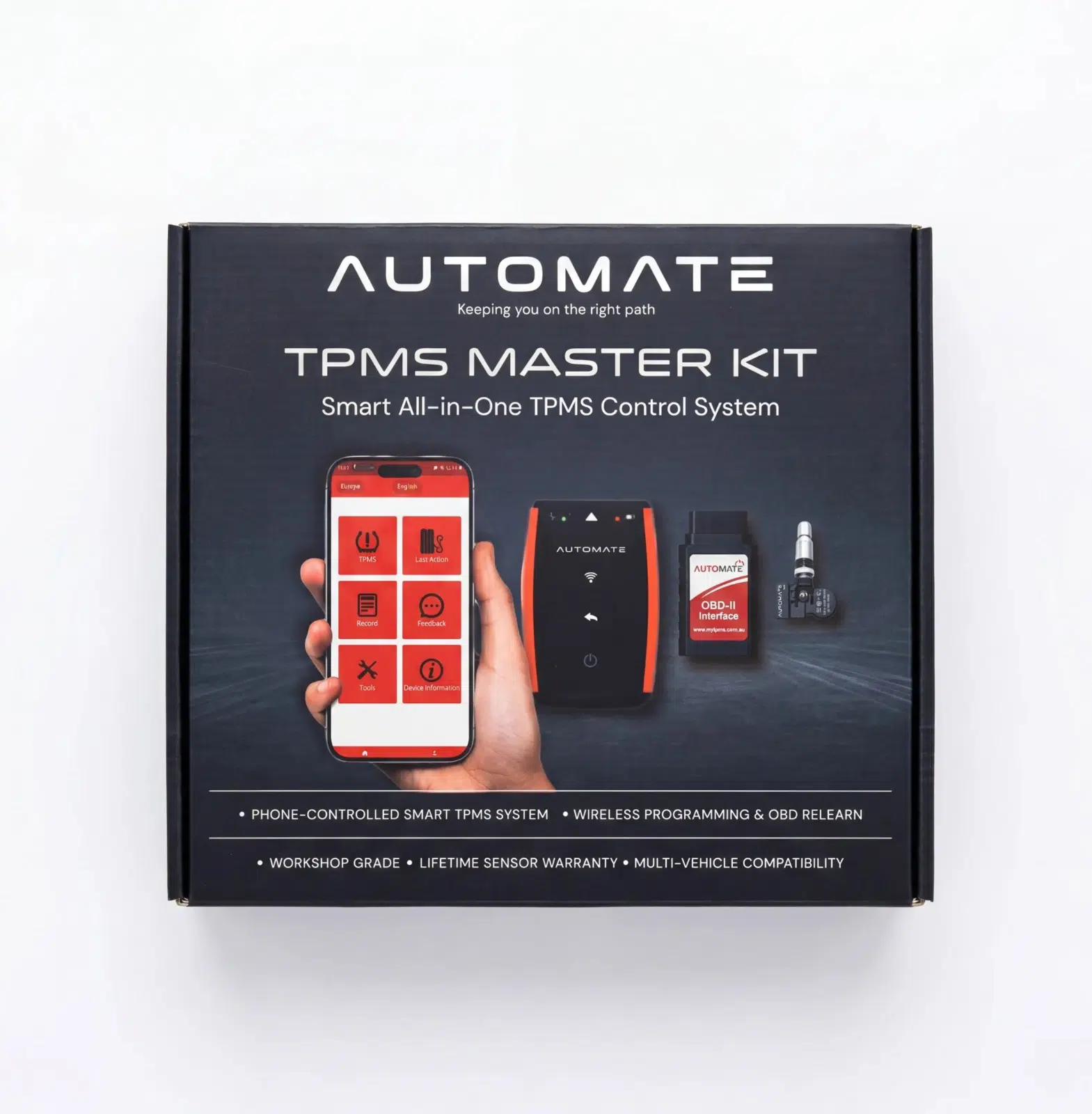
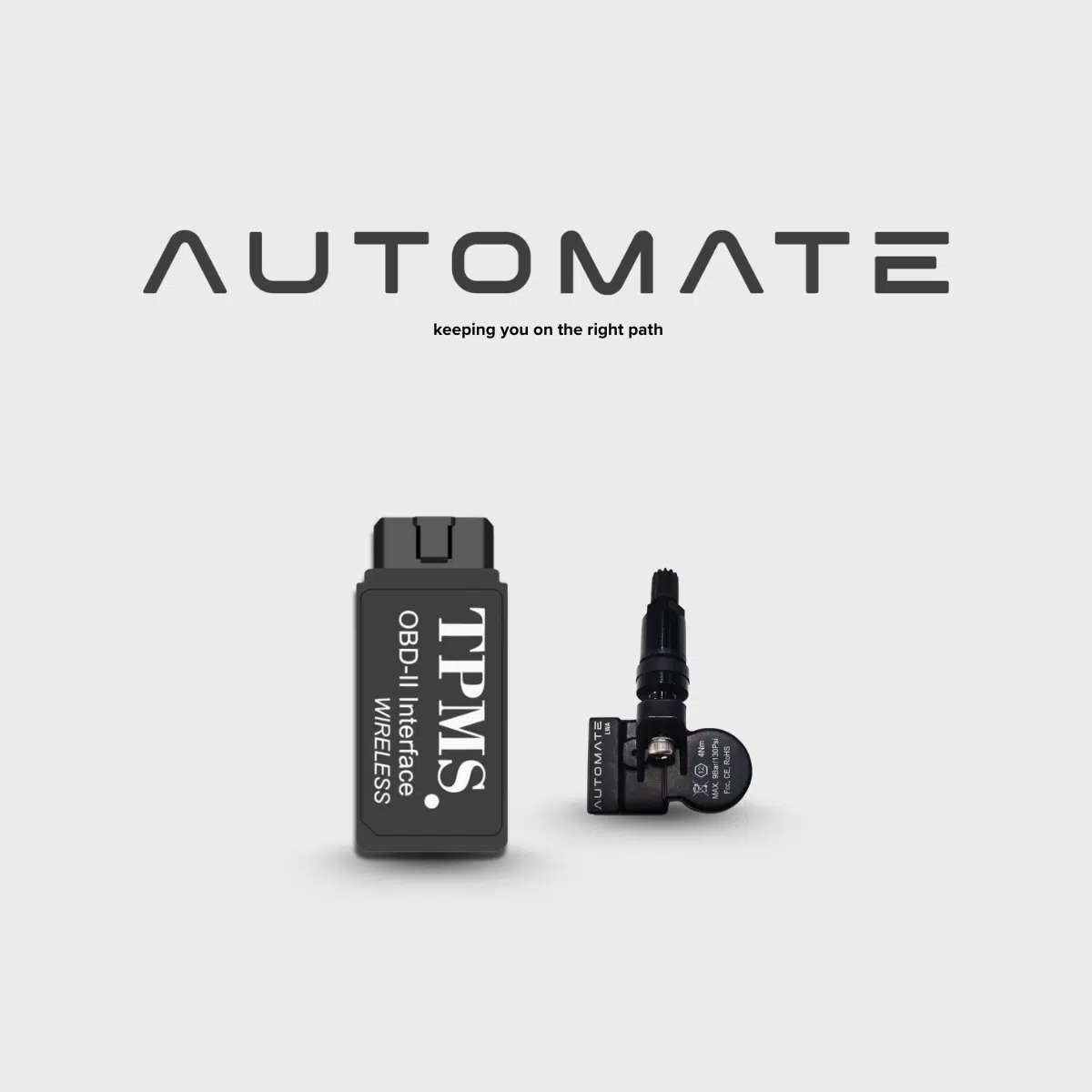
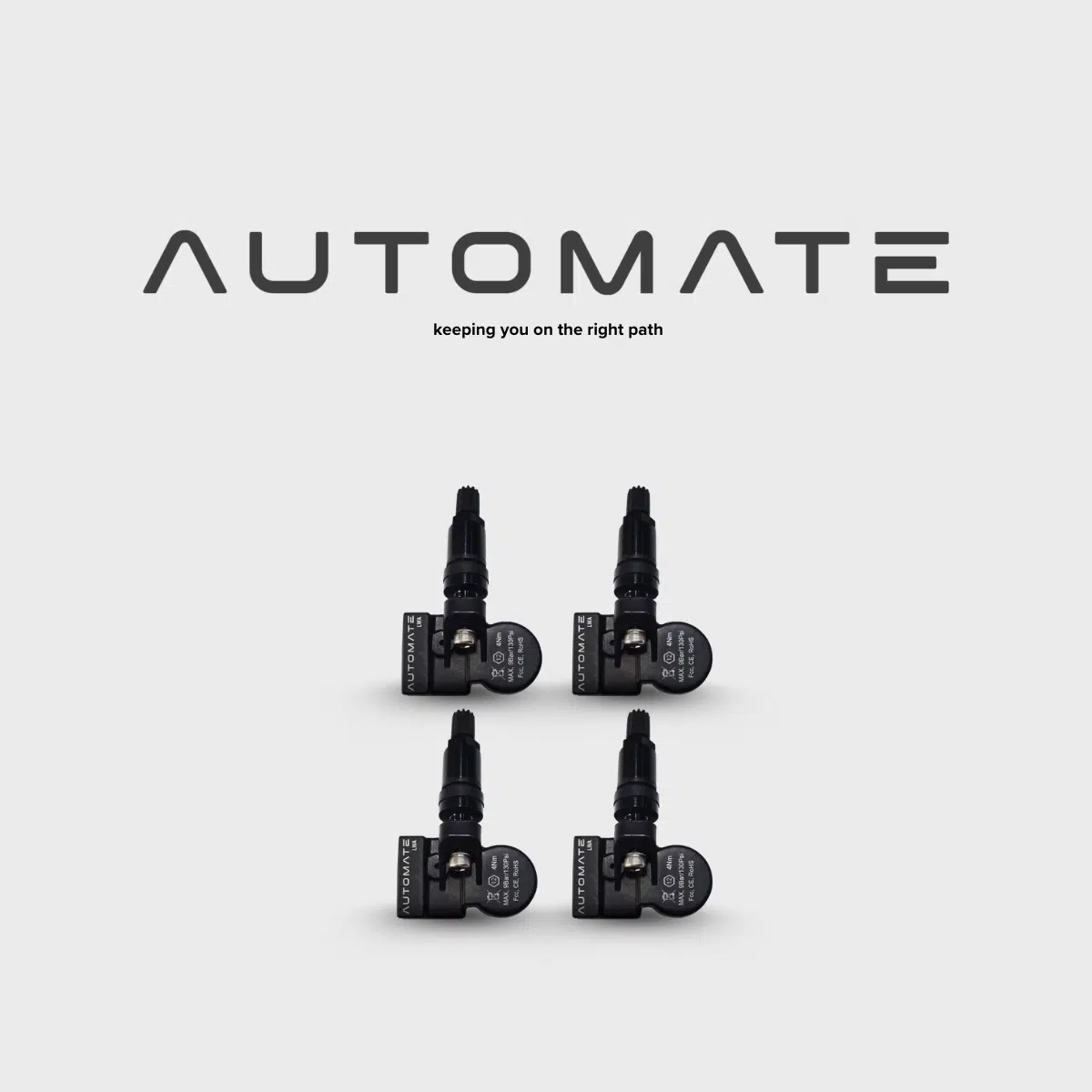
Take control of your LDV / MAXUS TPMS with a complete DIY sensor and programming kit.
Includes 4 compatible AUTOMATE TPMS sensors, Bluetooth TPMS Programmer and Bluetooth OBDII TPMS interface, giving you the tools required for supported sensor programming, cloning and vehicle-side TPMS registration procedures.
Ideal for replacing failed sensors, setting up new wheels or avoiding repeated TPMS programming costs.
Kit includes:
4 × AUTOMATE TPMS sensors
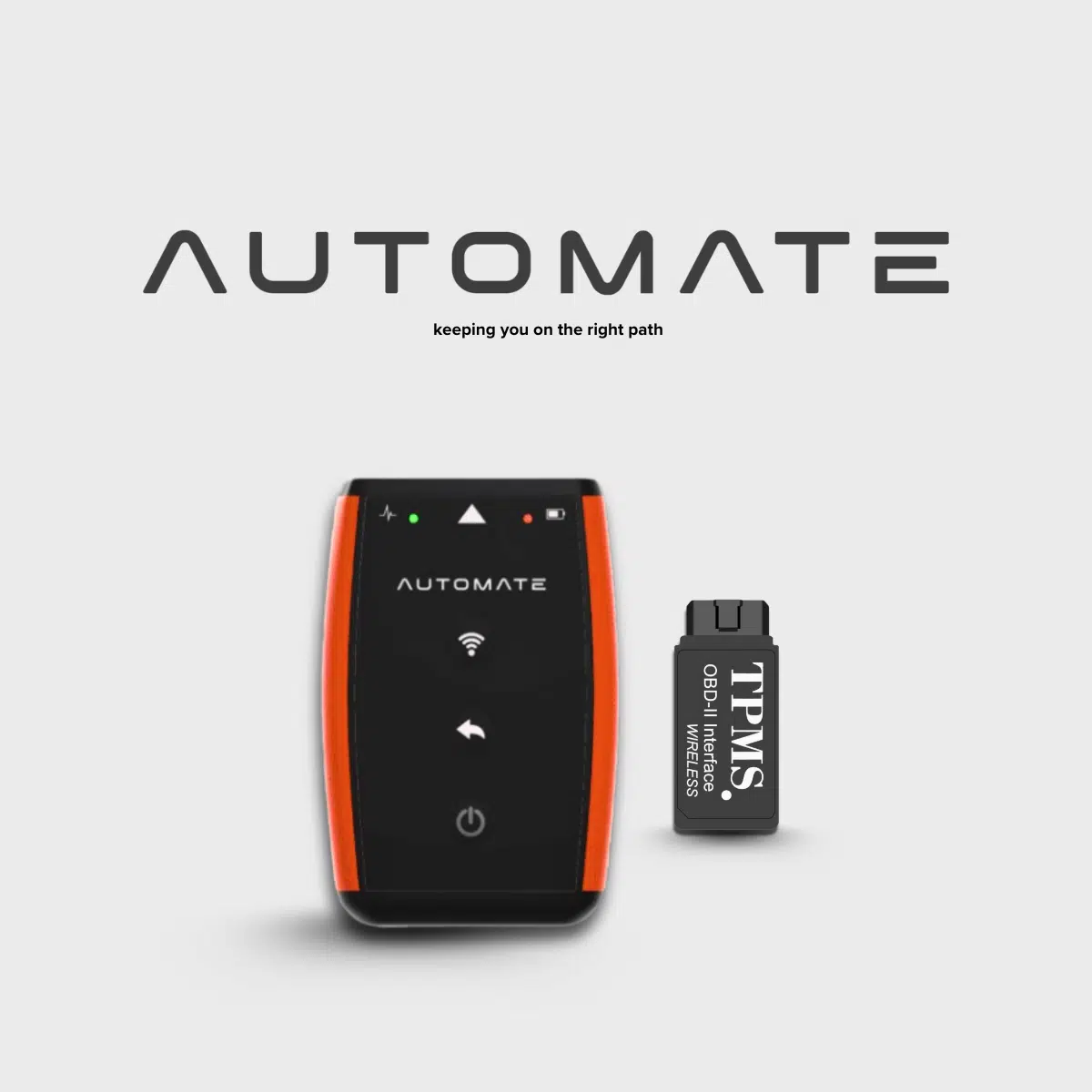
Bluetooth TPMS Programmer
Bluetooth OBDII TPMS Reader / Writer
Phone app support
Setup instructions
MyTPMS Australia technical support
Important: LDV / MAXUS TPMS procedures vary by model and year. Some vehicles may require sensor cloning or a vehicle-specific registration procedure. Physical installation inside the wheel still requires a tyre shop.
Need help with this product?SMS yourself the link or request a call back from our TPMS team.
Save for later
Send this product to yourself
We currently support Australian mobile numbers only for SMS. Enter your mobile number, or add your email address below and we will send you a copy of this product link.
EEC-manufactured and quality-controlled to meet Original Equipment performance standards
Quality:
Premium OE-style TPMS replacement solution, selected for reliable fitment, consistent performance and backed by MyTPMS Australia compatibility support.
Delivery Information:
Free express shipping Australia-wide. Australia-wide Estimated delivery is usually 1-3 business days after dispatch, and international delivery within 7-21 business days with tracking provided where available. See the Shipping Policy for dispatch, delivery, and pickup details.
Returns:
Returns accepted in accordance with our Returns & Refund Policy. Change-of-mind returns must be requested within 30 days of delivery. Programmed, installed, paired, activated, connected, or used TPMS sensors, tools, and electrical items may not be eligible for change-of-mind return unless required by law.
Product Description
LDV / MAXUS DIY TPMS SYSTEM
Replace. Program.
Clone. Register.
A complete TPMS sensor and programming system for compatible LDV and MAXUS vehicles — giving you the hardware required to prepare replacement sensors and complete supported vehicle-side TPMS procedures.
✓
4 compatible AUTOMATE TPMS sensors
✓
Bluetooth sensor programmer
✓
Bluetooth OBDII TPMS interface
✓
Programming & cloning capability
✓
Setup guidance & MyTPMS support
UNDERSTANDING YOUR TPMS
Why Can’t You Always Just Install a New TPMS Sensor and Drive?
A TPMS sensor is not simply a pressure gauge inside the tyre. It is a small electronic transmitter with its own identification number and vehicle-specific communication protocol.
When replacing a sensor on an LDV or MAXUS, the replacement needs to be prepared correctly for the vehicle. Depending on the model and TPMS system, the appropriate procedure may involve programming the replacement sensor, cloning an existing sensor ID, registering new IDs to the vehicle, or a combination of these steps.
THE KEY TO UNDERSTANDING TPMS
Programming, Fitting and Registration Are Different Jobs
These terms are often mixed together, but each refers to a different part of replacing a TPMS sensor.
01 — PROGRAM THE SENSOR
Prepare the Replacement Sensor for the Vehicle
The included Bluetooth TPMS Programmer communicates directly with compatible AUTOMATE sensors. It is used to prepare the sensor with the supported vehicle application and can also perform supported sensor activation, reading and cloning functions.
02 — INSTALL THE SENSOR
Physically Fit It Inside the Wheel
The tyre needs to be moved away from the rim so the old TPMS sensor can be removed and the replacement installed. This requires tyre-changing equipment and should be completed by a tyre shop or suitably equipped technician.
03 — RELEARN OR REGISTER
Make Sure the Vehicle Recognises the Sensors
Once the replacement sensors are fitted, the vehicle must recognise them. Depending on the LDV / MAXUS application, this may involve cloning the original IDs, following a vehicle-specific procedure or using the included OBDII interface where ECU sensor ID writing is supported.
WHY SENSOR IDs MATTER
A New Sensor Can Work Perfectly and Still Not Be Recognised
Every TPMS sensor transmits an electronic identification number along with its pressure information.
A replacement sensor may be functioning correctly and transmitting pressure, but if the vehicle’s TPMS system is expecting a different sensor ID, it may still show a warning or fail to recognise the new sensor until the appropriate relearn or registration procedure is completed.
WHAT’S INCLUDED?
A Complete Sensor & Programming System
Each component has a specific role in the TPMS replacement process.
4 × AUTOMATE TPMS Sensors
Replacement TPMS sensors for compatible LDV / MAXUS applications. These are installed inside the wheels and programmed for the appropriate supported vehicle application.
1 × Bluetooth TPMS Programmer
Communicates directly with compatible TPMS sensors. Used for sensor activation, reading, programming and supported sensor ID cloning.
1 × Bluetooth OBDII TPMS Interface
Communicates with the vehicle rather than the sensor. It is included for supported applications where TPMS sensor IDs can be written into the vehicle through the OBDII system.
Phone App, Instructions & Support
The supported app workflow and supplied setup guidance help you work through the appropriate compatible programming procedure, with MyTPMS Australia available for setup assistance.
THE COMPLETE MASTER KIT
The Tools Stay With You
The four sensors are installed in the vehicle. The Bluetooth Programmer and OBDII interface remain yours for future compatible sensor replacements, diagnosis or wheel-set changes.
WHAT DOES CLONING MEAN?
Copying the Identity of the Original Sensor
Where the original TPMS sensor can still be read and the vehicle application supports cloning, its existing sensor ID can be copied onto a compatible replacement AUTOMATE sensor.
Instead of introducing a completely new sensor identity to the vehicle, the replacement sensor can transmit using the ID the vehicle already knows.
Whether cloning or registering new IDs is the appropriate method depends on the exact vehicle and TPMS system.
TWO DIFFERENT TOOLS
Why Does the Kit Include Both?
Because programming the sensor and communicating with the vehicle are two different operations.
SENSOR SIDE
Bluetooth TPMS Programmer
Talks directly to compatible TPMS sensors.
✓ Activates supported sensors
✓ Reads supported sensor information
✓ Programs compatible AUTOMATE sensors
✓ Performs supported sensor ID cloning
VEHICLE SIDE
Bluetooth OBDII TPMS Interface
Talks to the compatible vehicle through its OBDII port.
✓ Used for supported vehicle-side TPMS procedures
✓ Allows sensor ID writing where supported
✓ Helps register new sensor IDs on compatible vehicles
✓ Complements the sensor programmer when OBD registration is required
FROM ORDER TO WORKING TPMS
The General Process
The exact procedure depends on your LDV / MAXUS model, year and TPMS system.
Step 1 — Confirm the Exact Vehicle
Confirm your LDV / MAXUS model, year and, where required, VIN or original sensor details so the correct sensor application and procedure can be identified.
Step 2 — Determine the Correct TPMS Method
Depending on the vehicle, the appropriate approach may involve programming replacement sensors with new IDs, cloning the original IDs or using a supported vehicle registration procedure.
Step 3 — Prepare the Sensors
Use the included Bluetooth Programmer and supported workflow to prepare the compatible AUTOMATE sensors.
Step 4 — Have the Sensors Fitted
A tyre shop or suitably equipped technician installs the sensors inside the wheels.
Step 5 — Complete the Relearn / Registration
Follow the appropriate vehicle-specific procedure. Where supported and required, use the included OBDII interface to register the replacement sensor IDs.
Step 6 — Verify the System
Confirm that the vehicle is receiving the sensors correctly and that there are no unresolved TPMS warnings.
315 MHz & 433 MHz
Frequency Is Only Part of TPMS Compatibility
TPMS sensors communicate using radio frequency. Compatible vehicle applications may operate at 315 MHz or 433 MHz.
However, matching the frequency alone does not guarantee compatibility. The sensor must also use the correct communication protocol and programming configuration for the specific vehicle.
That is why your LDV / MAXUS model, year and vehicle details are important when identifying the correct setup.
IMPORTANT
You Still Need a Tyre Shop to Physically Fit the Sensors
The Master Kit allows you to perform compatible electronic TPMS programming and registration procedures yourself. It does not replace tyre-changing equipment.
The sensors are mounted inside the wheels, so the tyre must be moved away from the rim for installation. Leave this part to a tyre shop or suitably equipped technician.
GOOD TO KNOW
What This Kit Is Designed to Give You
Replace ageing or failed sensors Four replacement sensors are included for compatible LDV / MAXUS applications.
Program compatible sensors yourself The included Bluetooth Programmer remains yours for future supported AUTOMATE sensor work.
Clone IDs where appropriate Supported original sensor IDs can be used for cloning where the vehicle application and sensor condition allow it.
Handle supported OBD registration The included OBDII interface provides the vehicle-side hardware required where ECU sensor ID writing is supported.
Keep the equipment for future use Only the sensors are installed in the wheels. The programming equipment remains with you.
LDV / MAXUS TPMS QUESTIONS
Frequently Asked Questions
Will the vehicle automatically recognise the new sensors?
That depends on the exact LDV / MAXUS model and TPMS system. Some applications may require cloning, registration or another vehicle-specific procedure rather than simply fitting the sensors and driving.
Why do I need both programming tools?
The Bluetooth Programmer communicates with compatible sensors. The OBDII interface communicates with supported vehicle TPMS systems. They perform different parts of the process.
Can the original sensor IDs be cloned?
Where the original sensor IDs can be read and the application supports cloning, those IDs may be copied to compatible replacement AUTOMATE sensors.
What happens if the original sensor is completely dead?
If an original sensor cannot be read, cloning that sensor directly may not be possible. The appropriate alternative depends on the vehicle and may involve obtaining the existing ID another way or registering a new replacement ID.
Can I install the sensors myself?
The electronic programming can be completed by a capable user following the correct procedure, but physical installation inside the wheel requires tyre-changing equipment and should be completed by a tyre professional.
Can I reuse the tools later?
Yes. The Bluetooth Programmer and OBDII interface remain yours for future supported TPMS servicing and compatible AUTOMATE sensor work.
Does this work with every LDV or MAXUS?
TPMS systems vary by model, year, market and sensor type. Compatibility should be confirmed before programming or installation.
What if I am not sure which method my vehicle uses?
Provide MyTPMS Australia with your vehicle model, year and, where requested, VIN or original sensor details. We can help identify the appropriate compatible sensor and TPMS procedure before installation.
MYTPMS AUSTRALIA SUPPORT
LDV / MAXUS TPMS Can Vary — We Can Help Identify the Correct Method
If you are unsure whether your vehicle requires sensor programming, cloning, OBD registration or another TPMS procedure, provide us with your model, year and vehicle details before installation and our team can help guide you through the compatible setup.