MyTPMS · Sensor setup made clear
Skoda TPMS learning & sensor setup
The learning method depends on the model
Skoda systems differ by model and build date. This page identifies automatic / self-learning, obd learning, indirect pressure reset. Select your model to see which applies.
Recommended AUTOMATE tools

Program, clone & activate sensors
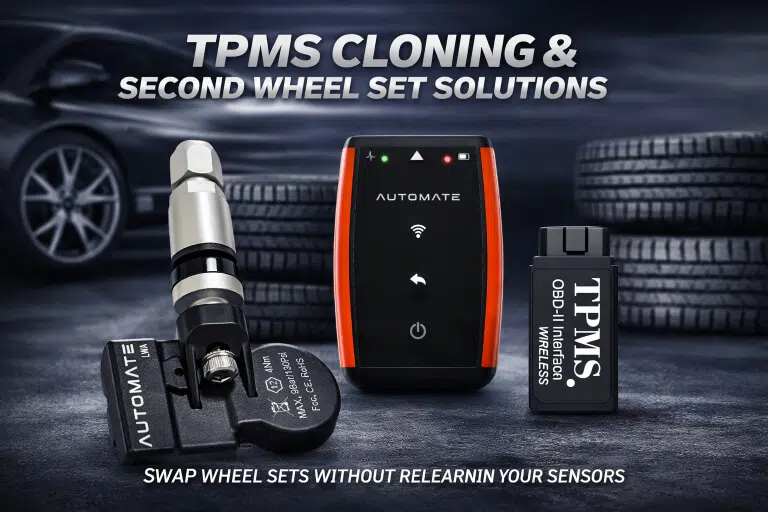
For compatible AUTOMATE replacement sensors, we recommend the AUTOMATE Bluetooth Programmer / Cloning Tool. It programs blank sensors, copies supported original IDs and activates compatible sensors.
It does not write IDs into the car through OBD. A correctly pre-programmed sensor does not need blank-sensor programming again.
View AUTOMATE programmerFor OBD learning
Register IDs in the car
We recommend the AUTOMATE Bluetooth OBD Reader & Writer for supported vehicle applications. It writes sensor IDs through the car’s OBD socket.
Choose this for the vehicle-registration step, alongside a sensor programmer if your replacement sensors are blank. Match the exact model, year and OBD write support before ordering.
View AUTOMATE OBD tool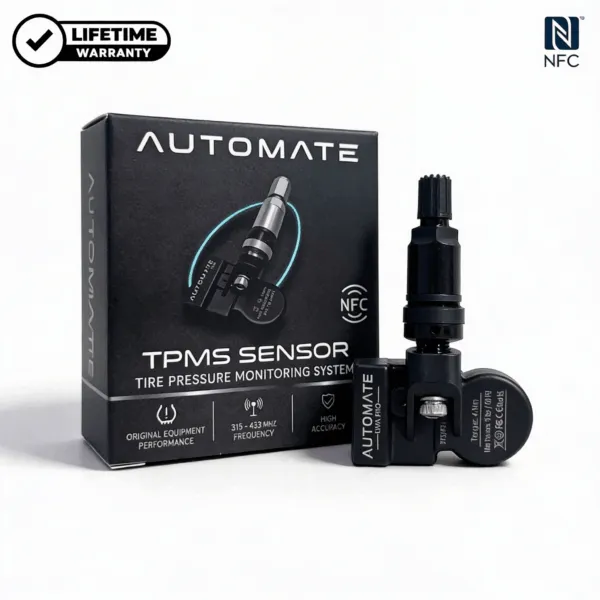
MyTPMS sensor option
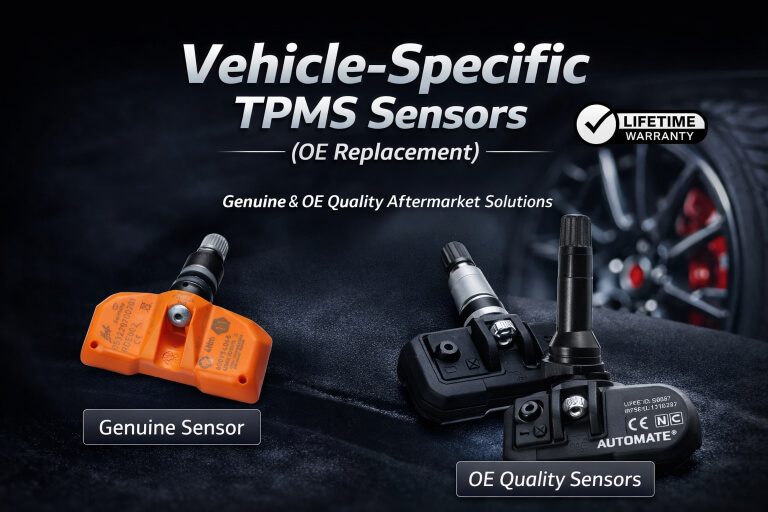
Skoda Fabia TPMS Sensor 5Q0907275 433MHz
This product is for its listed application, not every Skoda. Match the build date, OE part number and frequency on the product before ordering.
Which method does your Skoda use?
Use the build date, not just the registration year. When rows overlap, match the sensor part number, frequency and market.
Choose your model to narrow the list. Each row states the learning method.
| Model | Build dates | Sensor / system | Learning method |
|---|---|---|---|
| Fabia | 2015/01 – 2021/12 | 433MHz · Australia | Automatic / self-learning |
| Fabia | 2013/10 – 2014/12 | 433MHz · Australia | Automatic / self-learning |
| Fabia | 2013/01 – 2023/12 | No wheel sensors · Australia | Indirect pressure reset |
| Karoq | 2017/01 – 2023/12 | No wheel sensors · Australia | Indirect pressure reset |
| Kodiaq | 2016/11 – 2023/12 | No wheel sensors · Australia | Indirect pressure reset |
| Kodiaq | 2016/01 – 2023/06 | 433MHz · Australia | Automatic or OBD learning |
| Octavia | 2015/01 – 2023/12 | 433MHz · Australia | Automatic or OBD learning |
| Octavia | 2013/01 – 2023/12 | No wheel sensors · Australia | Indirect pressure reset |
| Octavia | 2012/10 – 2014/12 | 433MHz · Australia | Automatic / self-learning |
| Praktik | 2013/01 – 2015/12 | No wheel sensors · Australia | Indirect pressure reset |
| Rapid | 2017/01 – 2020/12 | No wheel sensors · Australia | Indirect pressure reset |
| Rapid | 2015/05 – 2022/12 | 433MHz · Australia | Automatic / self-learning |
| Rapid | 2012/01 – 2016/12 | No wheel sensors · Australia | Indirect pressure reset |
| Rapid | 2012/01 – 2015/04 | 433MHz · Australia | Automatic / self-learning |
| Roomster | 2013/01 – 2020/06 | No wheel sensors · Australia | Indirect pressure reset |
| Roomster | 2006/01 – 2018/12 | 433MHz · Australia | Automatic / self-learning |
| Scala | 2019/01 – 2023/12 | No wheel sensors · Australia | Indirect pressure reset |
| Superb | 2017/01 – 2023/12 | 433MHz · Australia | Automatic or OBD learning |
| Superb | 2013/01 – 2021/12 | No wheel sensors · Australia | Indirect pressure reset |
| Superb | 2008/03 – 2015/04 | 433MHz · Australia | Automatic / self-learning |
| Yeti | 2014/01 – 2019/12 | No wheel sensors · Australia | Indirect pressure reset |
| Yeti | 2009/06 – 2018/12 | 433MHz · Australia | Automatic / self-learning |
What this means for you
Automatic / self-learning
The car learns compatible sensor IDs while driving. This is self-learning by the vehicle, not self-programming of a blank sensor.
OBD learning
A TPMS OBD tool writes the sensor IDs into the car through its diagnostic socket. Programming the sensors alone does not complete this step.
Indirect pressure reset
Set the tyres to their correct cold pressures, then store or reset the tyre-pressure baseline in the car. There are no wheel-mounted sensor IDs to program.
Before and after learning
- Check cold tyre pressures against the vehicle’s tyre placard and repair any leak.
- Match the replacement sensor to the vehicle. Program a blank sensor or copy the original ID when your chosen setup requires it.
- Complete the learning method shown for your model. Check that the warning clears and that all monitored tyre readings appear, where the car displays them.
- If the warning remains, check pressure loss, sensor response and system faults. Repeating a reset does not repair a failed sensor.
Need the right sensor and tool combination?
Send us your Skoda model, build month/year and sensor part number. We will help you choose the correct product and learning method.