What do you need the tool to do?
Do not choose a tool only because it connects through Bluetooth or OBD. First identify whether you need to program a replacement sensor, read sensor data at the wheel, or register IDs into the vehicle ECU.
Choose your TPMS service, add your vehicle details, then choose a workshop booking time.
Book TPMS installation, programming, cloning and relearn support with our workshop team.
TPMS programming, sensor activation and OBD registration are different procedures. This page compares the four MyTPMS options so you can choose the correct tool for compatible sensor programming, cloning, diagnostics or vehicle ECU registration.
Do not choose a tool only because it connects through Bluetooth or OBD. First identify whether you need to program a replacement sensor, read sensor data at the wheel, or register IDs into the vehicle ECU.
Each product card links to the live product page for current price, stock status, full specifications and ordering information.
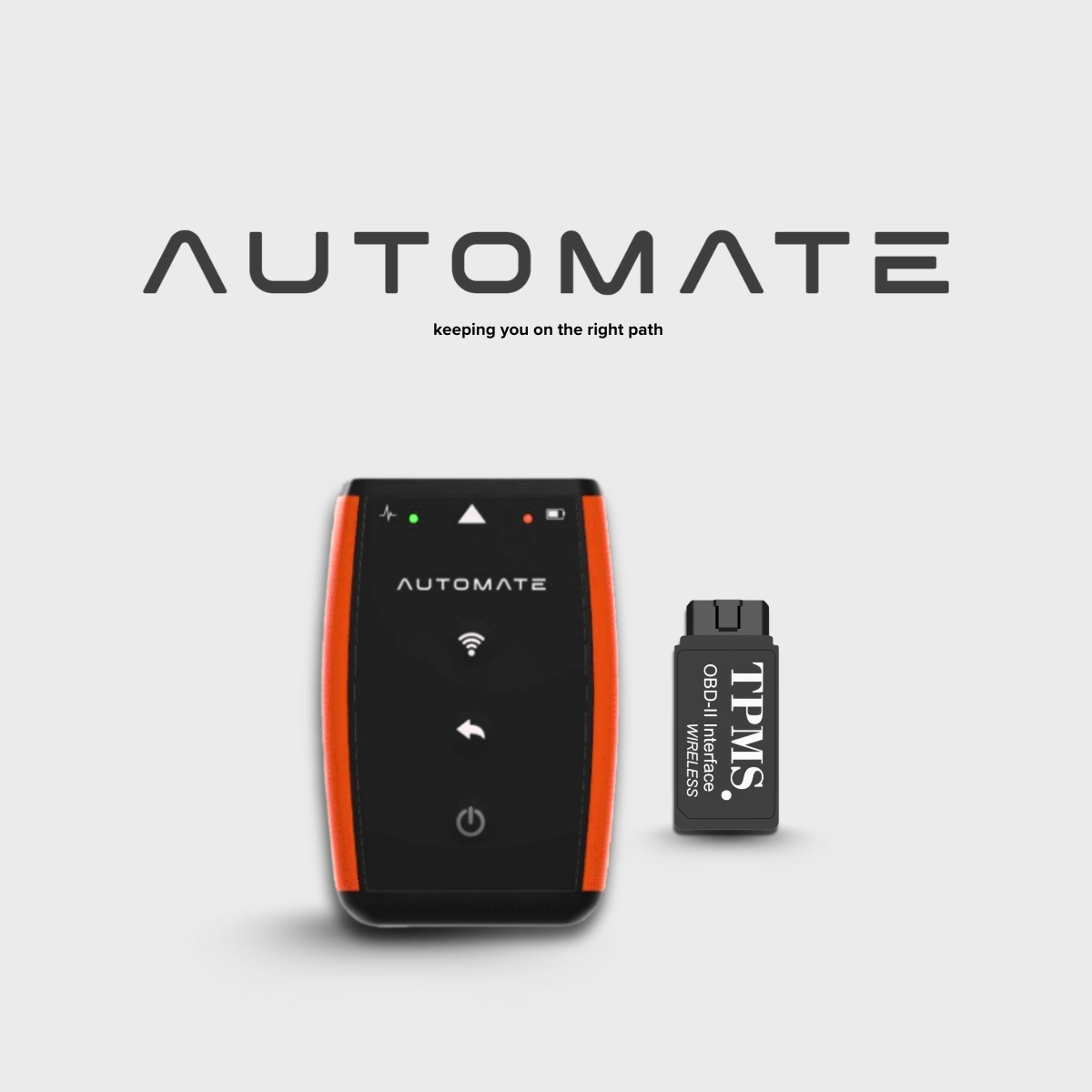
A compact Bluetooth tool for activating, reading, programming and cloning compatible AUTOMATE TPMS sensors. It is the simplest option when the sensor itself needs to be prepared before or after fitment.
Programs compatible AUTOMATE sensors only. Confirm protocol, frequency and vehicle workflow before use.
A TPMS-specific OBD tool for supported vehicles that require compatible sensor IDs to be read from or written into the vehicle ECU. Useful for replacement sensors and wheel-set changes.
This is not a general fault-code scanner. OBD TPMS support must be available for the exact vehicle.
A handheld TPMS service tool for triggering and reading compatible sensors, including sensor ID, pressure, temperature and battery condition. It can also program compatible AUTOMATE sensors using supported methods.
Best suited to tyre shops, workshops and users who need broader at-the-wheel sensor diagnostics.
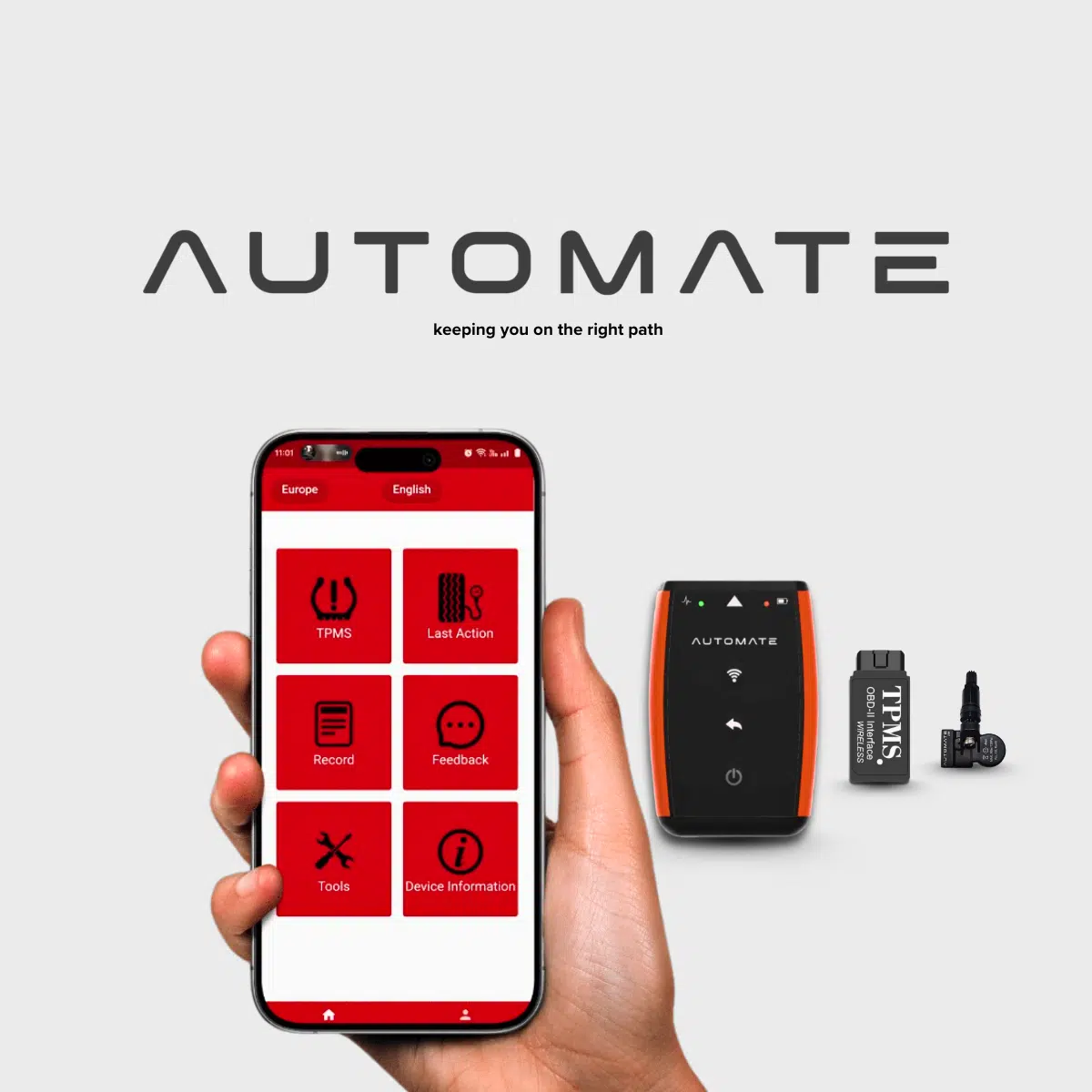
A complete package containing four compatible TPMS sensors, a Bluetooth programming tool, an OBDII programming interface and setup instructions for supported vehicle procedures.
Physical tyre fitting is still required. Compatibility and the exact programming method depend on the vehicle.
This table provides a general comparison. Final support depends on the vehicle, sensor and applicable TPMS procedure.
| Product | Read or activate sensors | Program or clone sensors | Write IDs to vehicle ECU | Includes sensors |
|---|---|---|---|---|
| Bluetooth Programmer | Compatible sensors | Yes — AUTOMATE sensors | No | No |
| OBD Reader Writer | Vehicle/ECU data | Workflow dependent | Supported vehicles | No |
| A01 Diagnostic Tool | Yes | AUTOMATE sensors | No | No |
| DIY Master Kit | Included tool | Yes | Supported vehicles | 4 sensors |
Important differences to understand before choosing a tool.
Individual product pages show the current price, availability, specifications and ordering details. Compatibility depends on the vehicle make, model, year, market, sensor brand, protocol and relearn method.
MyTPMS Australia · ABN 53 807 701 500 · Unit 5–6, 44–50 Westall Road, Springvale VIC 3171 · Monday–Friday, 9:00 AM–5:00 PM
Call MyTPMS with your vehicle details and the job you are trying to complete. We will help identify whether you need sensor programming, handheld diagnostics, OBD registration or a complete kit.